The Single-Account Problem
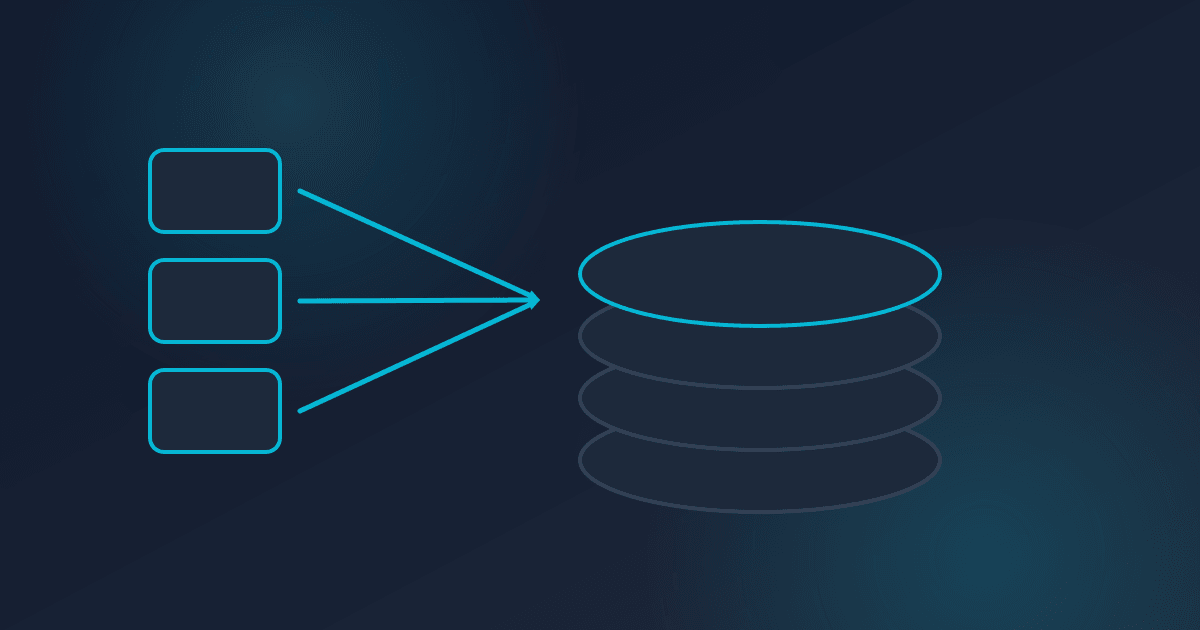
Most companies start with one AWS account. It's simple, it works, and there's no overhead. But as your team and workloads grow, a single account becomes a liability.
The problems compound gradually. IAM policies become tangled - one developer's broad permissions become everyone's security risk. Cost allocation turns into guesswork because everything shares the same billing boundary. A misconfigured security group in a dev environment exposes your production database. And when something breaks, the blast radius is your entire infrastructure.
If any of this sounds familiar, it's time to think about a multi-account strategy.
When to Make the Move
There's no magic threshold, but these are strong signals:
- You have more than one environment (dev, staging, production)
- Multiple teams or projects share the same account
- You can't easily answer "how much does project X cost us?"
- You've had a security incident caused by overly broad permissions
- Compliance requirements demand isolation between workloads
The honest answer is that most companies should start thinking about this earlier than they do. Migrating later is significantly more painful than starting with a good structure.
The Recommended Account Structure
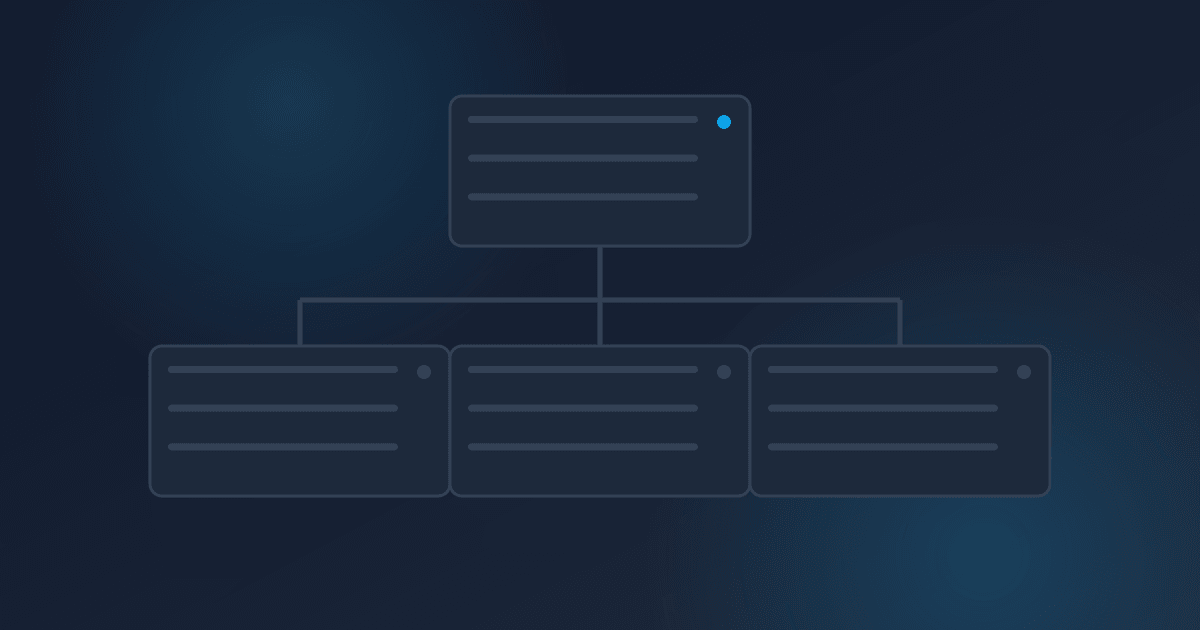
AWS Organizations lets you manage multiple accounts under a single management account. Here's a practical structure that works for most mid-size companies:
Management Account - This is your root account. It runs AWS Organizations and nothing else. No workloads, no applications. Keep it clean and locked down.
Security/Audit Account - Centralized security tooling lives here. GuardDuty, Security Hub, and cross-account IAM role management. Your security team operates from this account.
Log Archive Account - All CloudTrail logs, VPC Flow Logs, and access logs aggregate here. Immutable storage with strict access controls. This is your audit trail.
Shared Services Account - Shared infrastructure that multiple workloads need: CI/CD pipelines, container registries, shared networking components, and DNS management.
Workload Accounts - Separate accounts for each environment and project. At minimum: one for production, one for staging, one for development. Larger organizations create accounts per team or per application.
Service Control Policies: Your Guardrails
Service Control Policies (SCPs) are the most powerful feature of AWS Organizations that most companies underuse. SCPs set permission boundaries that no one in the account can exceed - not even the account root user.
Start with these:
- Deny the ability to leave the organization
- Restrict which regions can be used (reduce your attack surface)
- Prevent disabling of CloudTrail or GuardDuty
- Deny creation of IAM users with console access (use SSO instead)
- Require encryption on S3 buckets and EBS volumes
SCPs are preventive controls. They stop bad things from happening even when someone has administrator access within their account.
Common Mistakes
Over-engineering from day one. You don't need 30 accounts on day one. Start with the core structure - management, security, log archive, and a few workload accounts. Add more as needed.
Forgetting about networking. Multi-account networking requires planning. Transit Gateway or VPC peering connects accounts, but you need to design your IP address space upfront to avoid conflicts.
No automation for account creation. Creating accounts manually doesn't scale. Use AWS Control Tower or build your own account vending pipeline with CloudFormation or Terraform. Every new account should come pre-configured with baseline security, logging, and networking.
Ignoring cost visibility. The whole point of separate accounts is better isolation - including cost isolation. Set up consolidated billing, enable Cost Explorer across the organization, and tag everything.
Getting Started
If you're running everything in a single account today, here's a practical path forward:
- Set up AWS Organizations and create the management structure
- Create your security and log archive accounts first
- Move your most critical production workload to its own account
- Build automation for account provisioning
- Migrate remaining workloads over time
This isn't a weekend project. A well-planned migration typically takes a few weeks to a few months depending on complexity. But every company we've helped through this process says the same thing: they wish they'd done it sooner.
If you're not sure whether a multi-account strategy makes sense for your situation, we're happy to walk through your current setup and give you an honest assessment.
Written by
Chris EdwardsPrincipal Consultant, Edwards Consulting Group
Chris Edwards is the principal consultant at Edwards Consulting Group, where he helps organizations reduce AWS spend, harden their cloud security posture, and put AI to work in production. He writes about cloud architecture, FinOps, cybersecurity, and practical AI integration drawn directly from client engagements.
More about Chris Edwards→